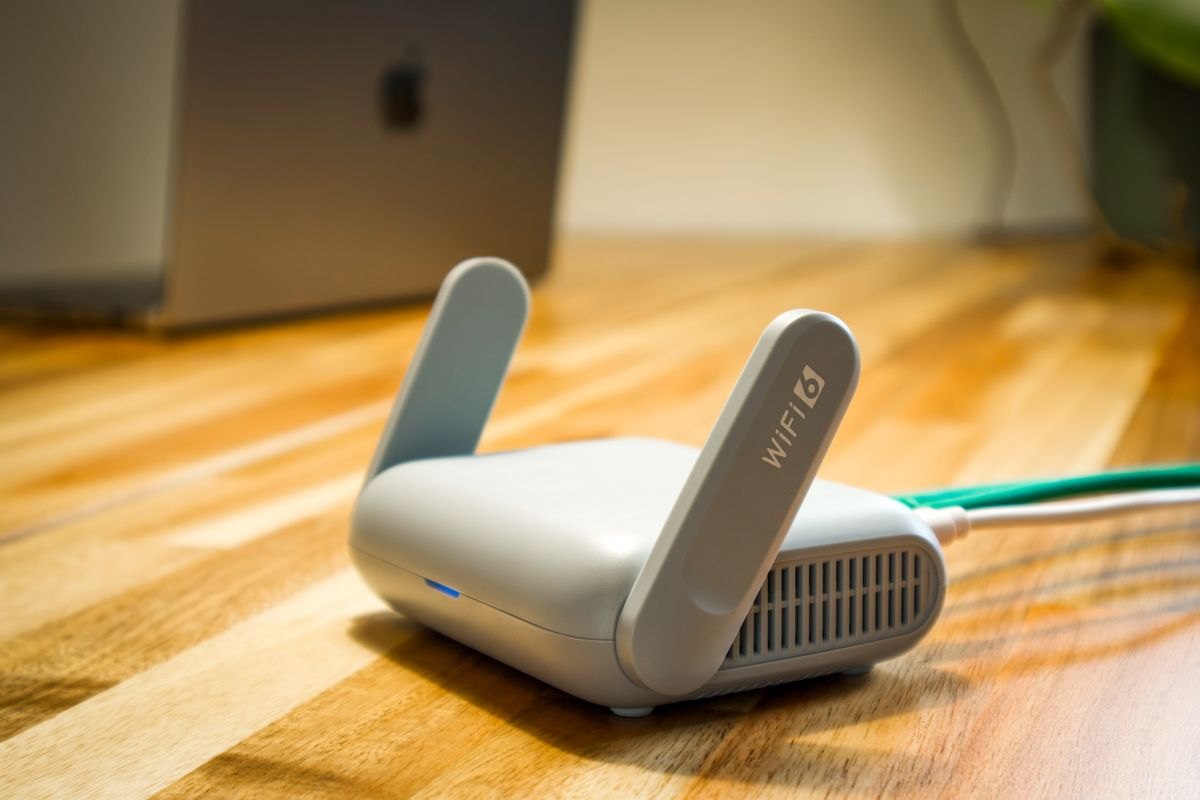
Your phone can show a strong Wi-Fi signal during an outage while every webpage fails to load. Wi-Fi describes the local radio connection to the router. Internet service also depends on equipment elsewhere in the house and beyond it. Keeping one box alive does not keep the entire chain alive.
Find out whether your installation uses a combined gateway or separate devices. Cable service commonly has a modem; fiber may have an optical network terminal or fiber jack. Mesh systems add more access points. A battery attached to the living-room router will not help if a necessary box in another room has lost power.
Ask what the installed battery actually supports
Provider-supplied backup arrangements vary. Some protect voice service only, while others can power specific internet equipment. Read the description for your service and model rather than assuming the word “backup” includes everything. Google's Fiber documentation, for example, describes its backup in terms of the router and fiber jack, with mesh extenders needing separate provision. That example is not a universal specification for other providers.
Look for power adapters you may have overlooked. A small box near a utility entry point can be just as important as the visible router. Label equipment without disconnecting unfamiliar wiring. If you rent or use a shared building network, ask management which components you are allowed to access.
Test the home side carefully
With a compatible backup installed according to its instructions, check that the intended equipment stays on during the manufacturer's recommended test. Do not switch off a building circuit or unplug shared network hardware as an experiment. Confirm both a local Wi-Fi connection and access to a known website using a device whose cellular data is temporarily disabled for this check.
Write down which rooms retain usable coverage. An unpowered mesh extender can leave a bedroom without a signal even though the main router is operating. During an outage, moving nearer to the powered router may be simpler than buying backups for every extender.
This test shows that the home equipment can operate on backup. It does not prove the provider will remain available during a neighborhood-wide outage. Damaged cables, network equipment failures, and power problems outside your property remain possible.
Keep a second route to information
Know how to report an outage and check service status without relying on your home connection. Save the provider's contact details offline. A mobile connection may help, but its coverage and capacity are also uncertain during a widespread disruption. Keep household meeting arrangements and essential contact numbers accessible on paper.
When comparing batteries, ask two separate questions: can the unit power every required home component, and how long will that combination run? Treat the answer as one part of a communications plan. A router with glowing lights is useful evidence about its power supply, not proof that a call or message can get through.